Smartphones have become central to our daily lives, handling everything from banking to private messages. This concentration of sensitive data makes them prime targets for cybercriminals. Despite the growing threat, one simple yet highly effective security measure is often overlooked: turning your phone off and on regularly. This simple act can help defend against sophisticated spyware that otherwise might remain undetected.
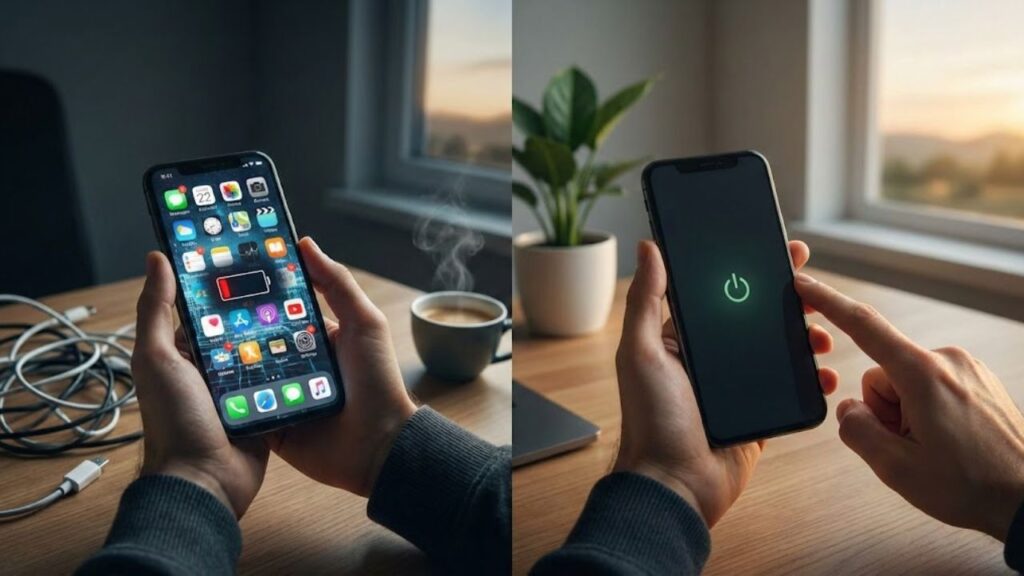
Why Smartphones Are a Cybercriminal’s Favorite Target
Modern smartphones store critical personal information like banking details, health data, and private communications, making them more attractive to hackers than laptops. With the rise of mobile surveillance and espionage, many attacks now target mobile devices. France’s national cybersecurity agency, Anssi, has reported an uptick in such incidents. Cyber attackers often exploit vulnerabilities in Wi-Fi, Bluetooth, operating systems, and even official apps to gain access to personal data, with some spyware running entirely in memory, invisible to the user.
The Power of a Full Shutdown in Combatting Spyware
Security experts emphasize that some of the most dangerous spyware resides in your phone’s volatile memory, or RAM, which clears when the phone is powered off. A full shutdown halts all processes, eliminating spyware that doesn’t write itself to storage. When you restart the phone, this memory-only malware is erased, preventing attackers from accessing your microphone, messages, or location.
When Restarting Isn’t Enough: Why a Full Shutdown Matters
Simply tapping “Restart” may not be sufficient to stop sophisticated malware. Some spyware can mimic a reboot sequence, allowing malicious processes to continue running undetected. Experts recommend a full shutdown using the power menu, followed by a manual reboot, to effectively disrupt any ongoing attack. This extra step provides a much-needed defense against modern cyber threats.
Best Practices for Maintaining Smartphone Security
To enhance mobile security, experts recommend performing a full power-off at least once a week. For those in sensitive roles, such as activists or executives, doing this daily can provide added protection. The goal is simple: by limiting the time your phone stays on, you reduce the window of opportunity for attackers. Think of it as locking your front door every night—while it won’t stop every intruder, it will block most opportunistic threats.
Protecting Yourself from Common Mobile Threats
Security agencies have also highlighted that many mobile attacks stem from everyday connectivity options, particularly Wi-Fi and Bluetooth. Fake public Wi-Fi hotspots are a common attack vector, as hackers set up networks resembling trusted ones to intercept data or redirect users to malicious sites. Disabling Wi-Fi when not in use is a basic but crucial security measure. Similarly, Bluetooth should only be turned on when necessary to avoid vulnerabilities, and QR codes should be scanned with caution, as they can lead to phishing sites.
Developing Strong Habits to Prevent Mobile Attacks
Along with regular shutdowns, there are simple habits that can bolster mobile security. Avoid opening links or attachments from unknown senders, enable system and app updates promptly, and turn off automatic Wi-Fi connections. These measures, combined with a cautious approach to public Wi-Fi and the use of a reputable VPN, can significantly reduce your risk of falling victim to mobile cybercrime.
What to Do If Your Phone Is Compromised
If you suspect your phone has been compromised, take immediate action. Stop using banking apps and changing passwords on the affected device. Use a trusted device to update critical information and contact your local cybersecurity response team. In countries like France, the national CERT (Computer Emergency Response Team) provides assistance for such incidents.
Why Cybercriminals Target Even the “Uninteresting” Individuals
Many people mistakenly believe they aren’t a target for cybercriminals. However, large-scale attacks don’t necessarily focus on individuals—they scan networks for vulnerabilities and compromise whatever they can. Even if you’re not personally valuable, your phone might serve as a stepping stone to access your employer’s systems or be used in botnet attacks. Implementing basic mobile security measures can help protect not only you but also your colleagues and your workplace.
Security Made Simple: A Weekly Shutdown Habit
Incorporating a full shutdown into your weekly routine is a simple yet effective way to enhance smartphone security. It only takes a few extra seconds but significantly improves your device’s defense against threats. Pairing this with other basic habits, such as avoiding suspicious links and disabling auto-connect for Wi-Fi, makes your phone a far less attractive target for cybercriminals.
| Action | Benefit |
|---|---|
| Full power-off | Stops memory-only spyware |
| Weekly reboot | Reduces the window for attack |
| Disable Wi-Fi when not in use | Prevents connection to fake networks |
| Turn off Bluetooth | Limits connection vulnerabilities |
| Update apps and system | Fixes security flaws |