One evening, I was sitting in a quiet kitchen with a friend, both of us focused on his phone. He had recently searched for hiking boots on his laptop, and out of nowhere, his smartphone started showing him boots, mountains, and even outdoor retreats across various apps. At first, he laughed, but soon, the silence settled in as we explored his phone settings.
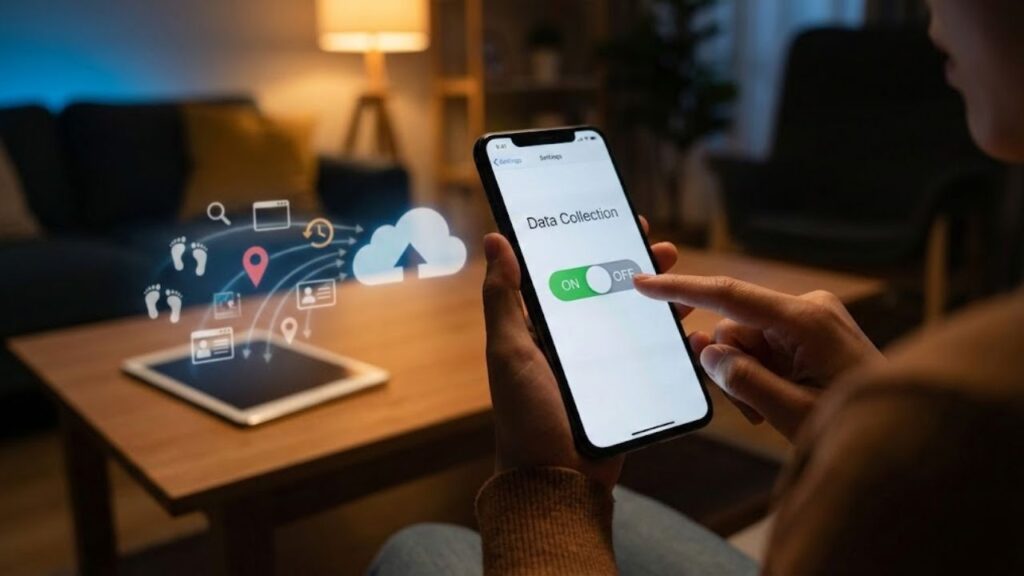
A small map appeared, marked with countless tiny pins—each representing a place he’d visited: every bar, office, and supermarket he’d stepped into over the past few months. And just like that, we realized, your phone does this too.
The most surprising part? It takes only a few seconds to stop most of it. Let’s take a deeper look into how smartphones track our movements and the data they collect every single day.
The Hidden Data Your Smartphone Collects
Many people mistakenly think data collection only happens when they’re actively using the internet—like browsing websites or opening an app. However, the truth is a lot more precise and invasive. Smartphones are constantly tracking where you sleep, your commute, the café you visit, the time you leave home, and even how long you spend in one place.
With features like location history, motion sensors, and nearby Wi‑Fi networks, these seemingly harmless digital crumbs add up. Location history, motion sensors, and Wi‑Fi networks all combine to form a complete picture of your daily life. When pieced together, they reveal the outline of your entire existence. And without realizing it, your smartphone becomes a silent witness to your life, documenting every move.
Why Smartphones Collect This Data
So, why do smartphones collect all this personal data by default? The answer lies in the value of this information. Tech companies use this data for everything from providing personalized recommendations to improving safety systems and traffic routing. Data collection is gold for advertisers and companies looking to predict your future actions.
While this tracking can lead to better services—like real-time traffic or finding a lost phone—it takes a dark turn when that data is repurposed for profiling or sold to third-party advertisers. The issue lies in how much of this data you’ve unknowingly agreed to share. We rarely read the terms and conditions, and as a result, we often accept a whole host of data-tracking practices without even realizing it.
How to Reduce Tracking on Your Smartphone
The good news is you can regain some control over the data being collected by your phone. While you can’t completely shut it down, you can make significant changes with just a few taps. Here’s how:
- On iPhone: Go to Settings → Privacy & Security → Location Services. Scroll to “System Services” and find Significant Locations. Tap it and turn it off.
- On Android: Open Settings → Location → Location Services → Google Location History. Turn off Location History for your account and delete past history if needed.
- Additionally, check for app permissions, and switch “Always” to “While Using” for apps that don’t need constant access to your location.
These quick changes can drastically reduce the amount of data your phone collects without your knowledge. By disabling unnecessary tracking features, you can regain some privacy without losing functionality like maps or weather updates.
The Psychological Impact of a Quieter Phone
After dialing down the tracking, many users report a subtle yet powerful shift in their relationship with their phone. It begins to feel less like an omnipresent observer and more like a tool. The relief is often compared to closing the curtains in a brightly lit room. You still get the benefits of your smartphone, but without the constant surveillance of your every move. It’s a small but meaningful change that can help you reclaim your sense of control over your personal data.
| Key Point | Detail | Value for the Reader |
|---|---|---|
| Disable Location History | Turn off Google Location History and iPhone Significant Locations | Reduces the long-term map of your life stored in the cloud |
| Adjust App Permissions | Change “Always” access to “While Using” or remove it completely | Limits constant tracking by apps you barely use |
| Control Background Scanning | Reduce Wi-Fi/Bluetooth scanning features that run silently | Fewer hidden signals about where you are and who you’re near |